Your board access, one click away.
A simple, secure home for board materials. Directors open a one-time link from their inbox and are in. No passwords to create, remember, or reset, and no SharePoint or Dropbox sign-in.

Board materials reach busy volunteers the hard way.
Getting packets to directors usually means emailed attachments, or asking them to sign in to a tool like SharePoint or Dropbox they never chose. The result is lost emails, forgotten passwords, version confusion, and staff time spent on tech support instead of board engagement. Traditional board portals fix some of this, but typically cost thousands of dollars a year.
Request a link, open it, confirm your email, and you are in.
Board Magic is a purpose-built board portal. Access is a secure, single-use "magic link" sent to the director's inbox, with one extra step to keep bots and forwarded emails out.
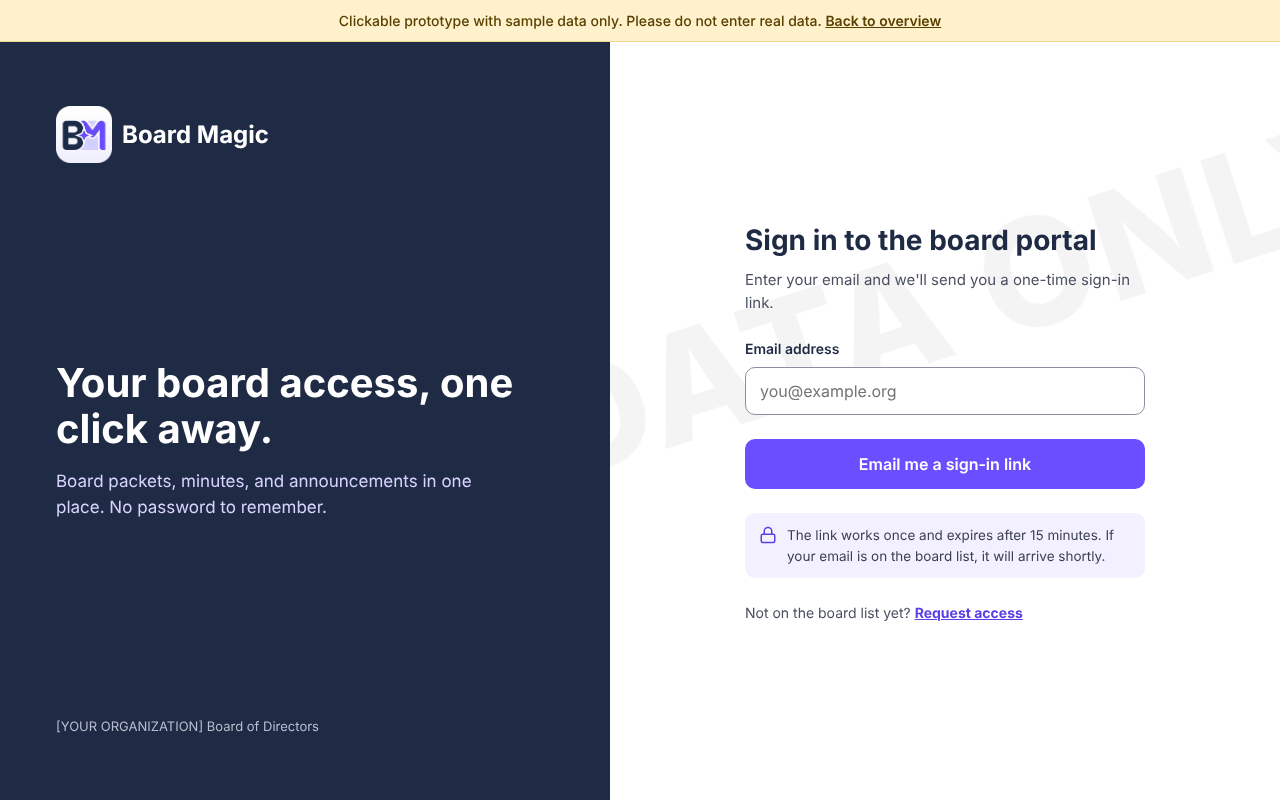
Enter your email
The director types their email on the sign-in page. If it is on the board roster, a link is on its way.
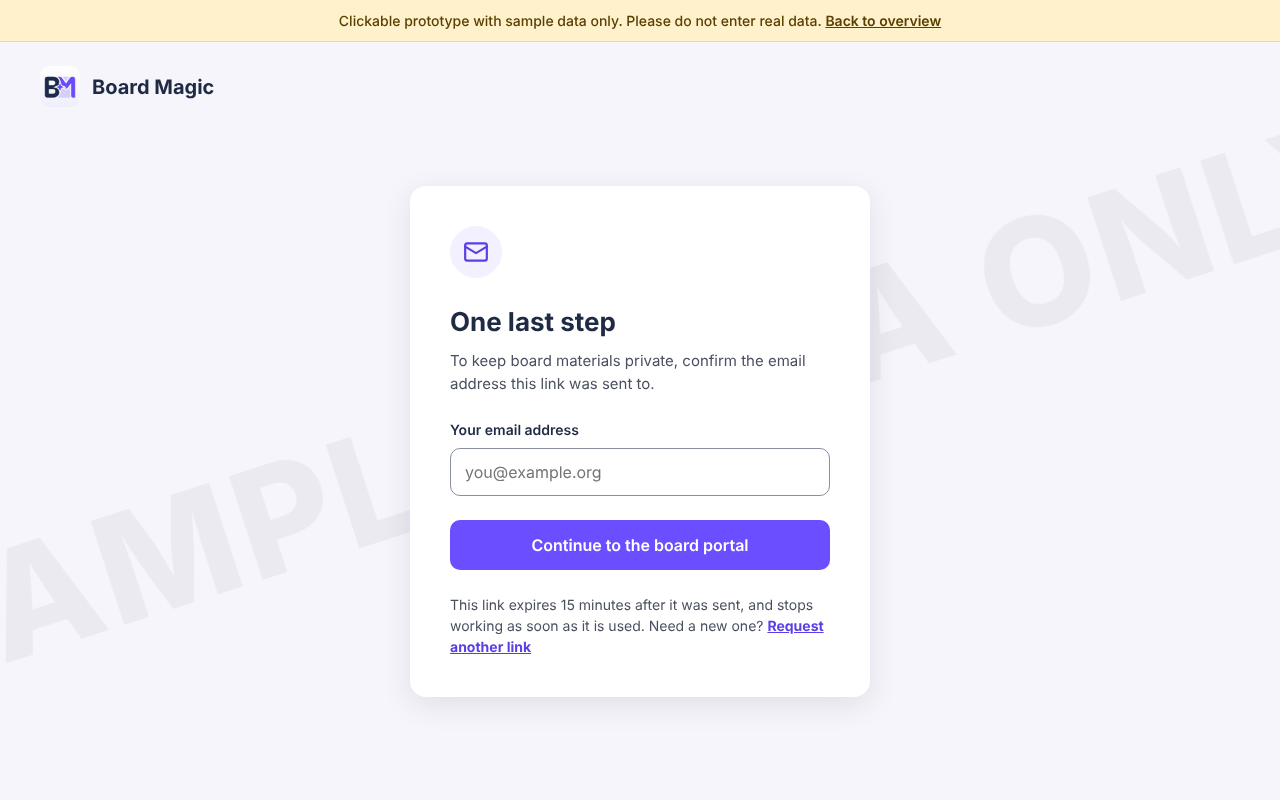
Open the link, confirm your email
The link works once and expires after 15 minutes if unused, and immediately once used. Typing the email it was sent to blocks auto-clicking scanners and casual forwards.
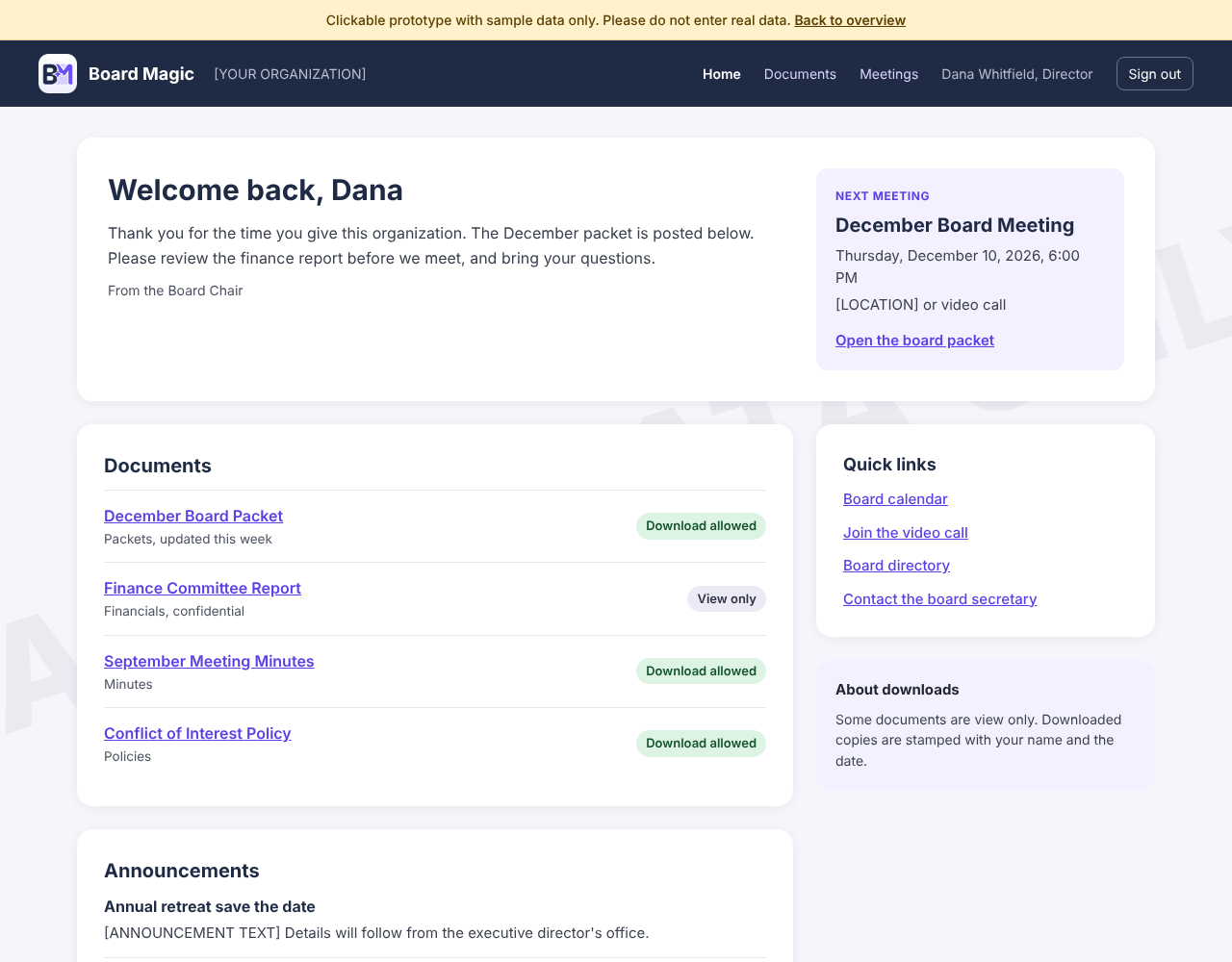
Land on the board homepage
A staff-edited homepage with the next meeting and announcements, and one library for every packet, minute, and report.
See the flow for yourself.
A clickable mockup of the pilot screens, with sample data only. Start at sign-in and click through.
Easy for directors, easy for staff.
What directors get
- Passwordless sign-in from their inbox
- A homepage with the next meeting, announcements, and a note from the chair
- One library of packets, minutes, and financials, always current
- Clear rules per document: download or view only
What staff get
- A homepage they edit themselves, like writing an email
- Simple publishing: upload, tag to a meeting, set download rules
- One roster that controls access; end a term with one click
- A record of who opened what, and when
Easy does not mean open.
On the roster: the director gets a link right away. Not on the roster: the request goes to a designated administrator to approve or deny. Magic links expire after 15 minutes if unused, and immediately once used. Every decision is logged, and removing a person from the roster ends access immediately. Downloads can be watermarked with the reader's name so any shared copy is traceable.
The combination is the difference.
Passwordless access alone is no longer unique; some board portals already offer magic links. The combination we are aiming for is what is different: an editable homepage, roster-driven approvals, per-document download rules, and a long-term goal of syncing the board list directly from Salesforce, where many nonprofits already keep it. Update the list there, and access here stays accurate with no second list to maintain.
Start small, then grow into board governance.
Does this match the pain your board feels today?
Would you pilot it with one board or committee, and who would own the roster and approve access requests? We would love your reaction.